Design services
Dental CAD design, case by case.
Dentist-led CAD design for laboratories and clinics, from single crowns to implant and full-arch workflows.
850,000+ CAD designs 25+ countries served

Crowns & Bridges
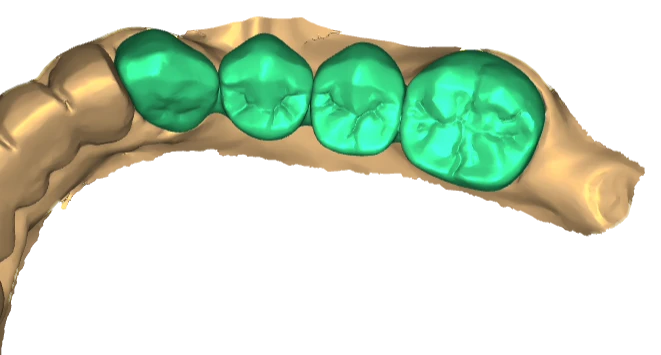
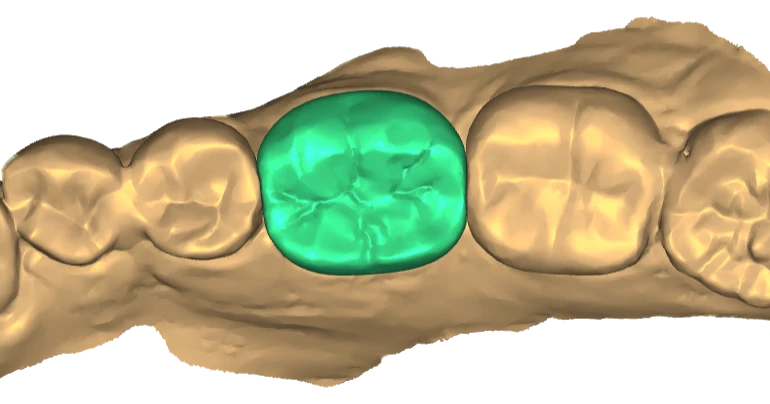
Crowns, copings, bridges, inlays and onlays, designed with attention to margins, contacts, anatomy and occlusion.
What to send
- Prepared and opposing scans with a bite registration
- Prescription: teeth, restoration type and material
- Your contact, occlusion and minimum-thickness preferences
No-prep Veneers
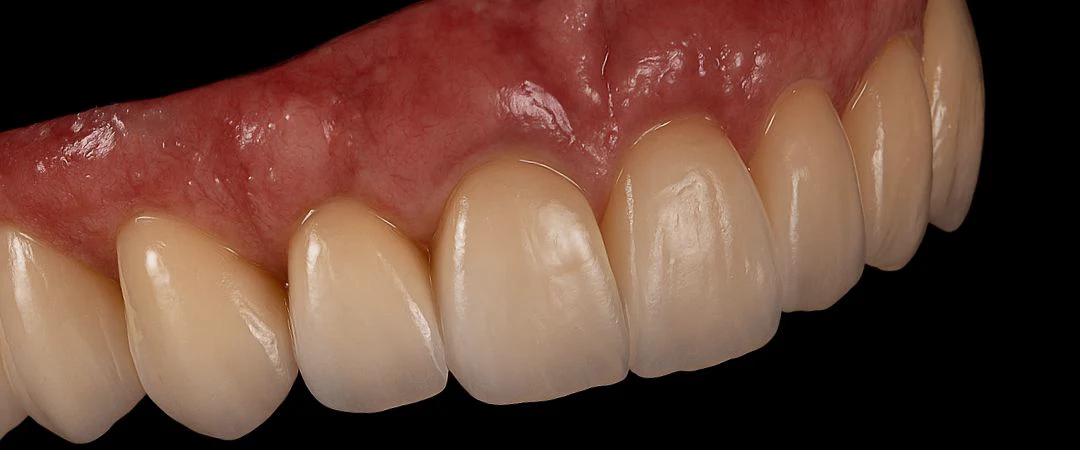
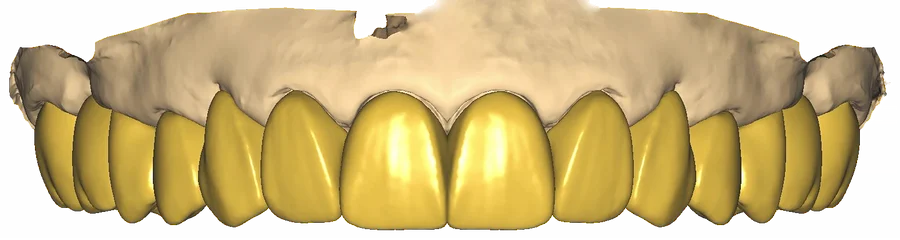
Digital smile proposals for your SprintRay workflow. Each proposal is designed over the original scan, so the clinical team can review form, length and proportions before anything is produced.
Whether a patient can be treated without preparation is a clinical decision for each case. Material, printing and finishing follow your SprintRay workflow and the manufacturer’s instructions.
What to send
- Upper and lower scans with a bite registration
- Retracted and full-smile photographs
- The SprintRay resin and printer you plan to use

Digital design comparison
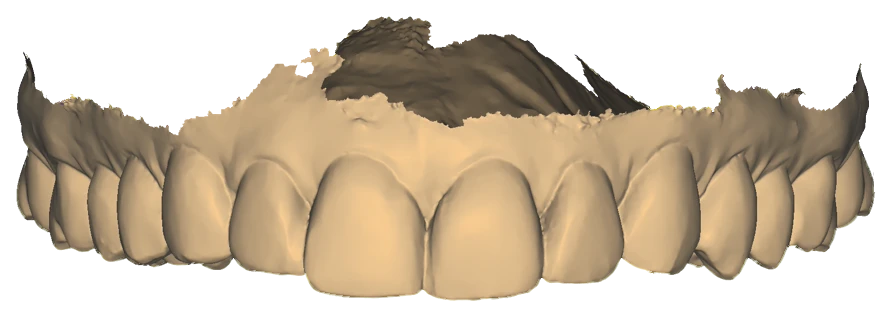
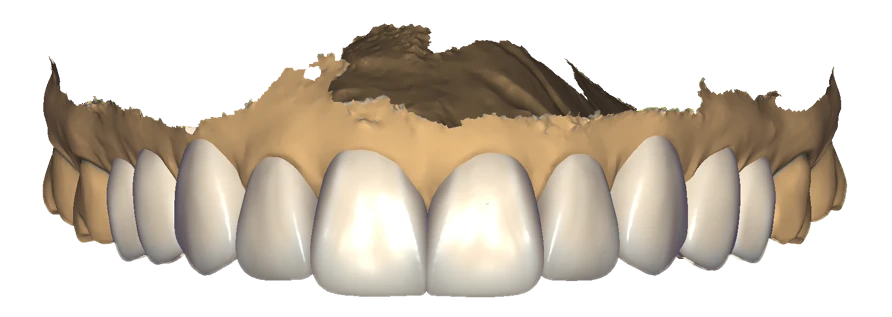
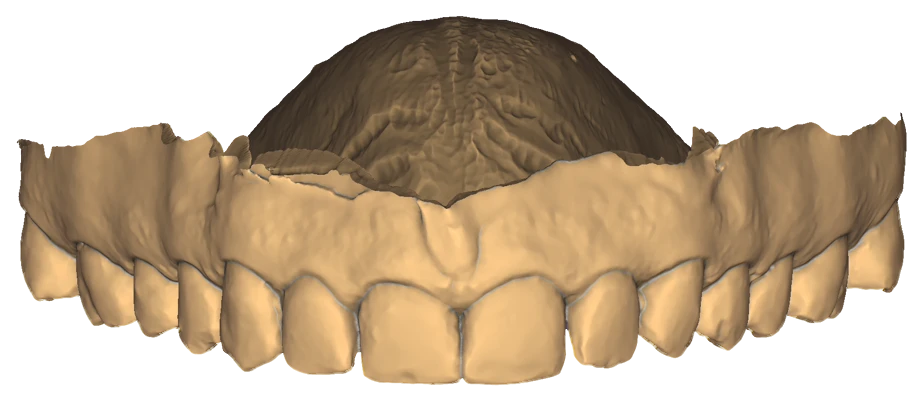
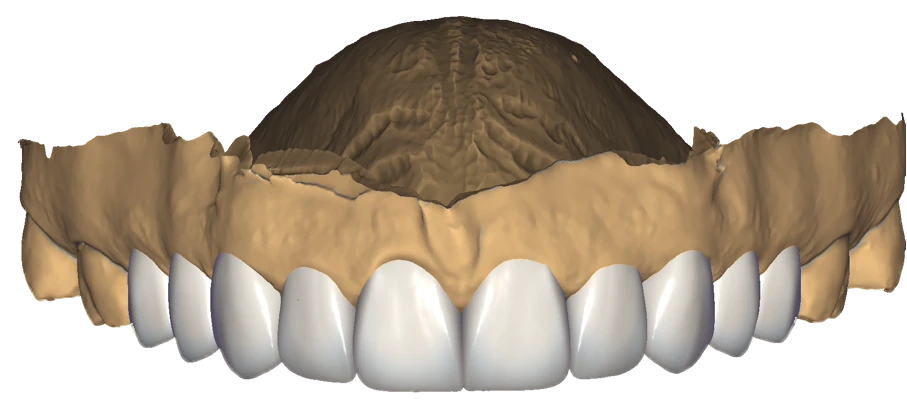
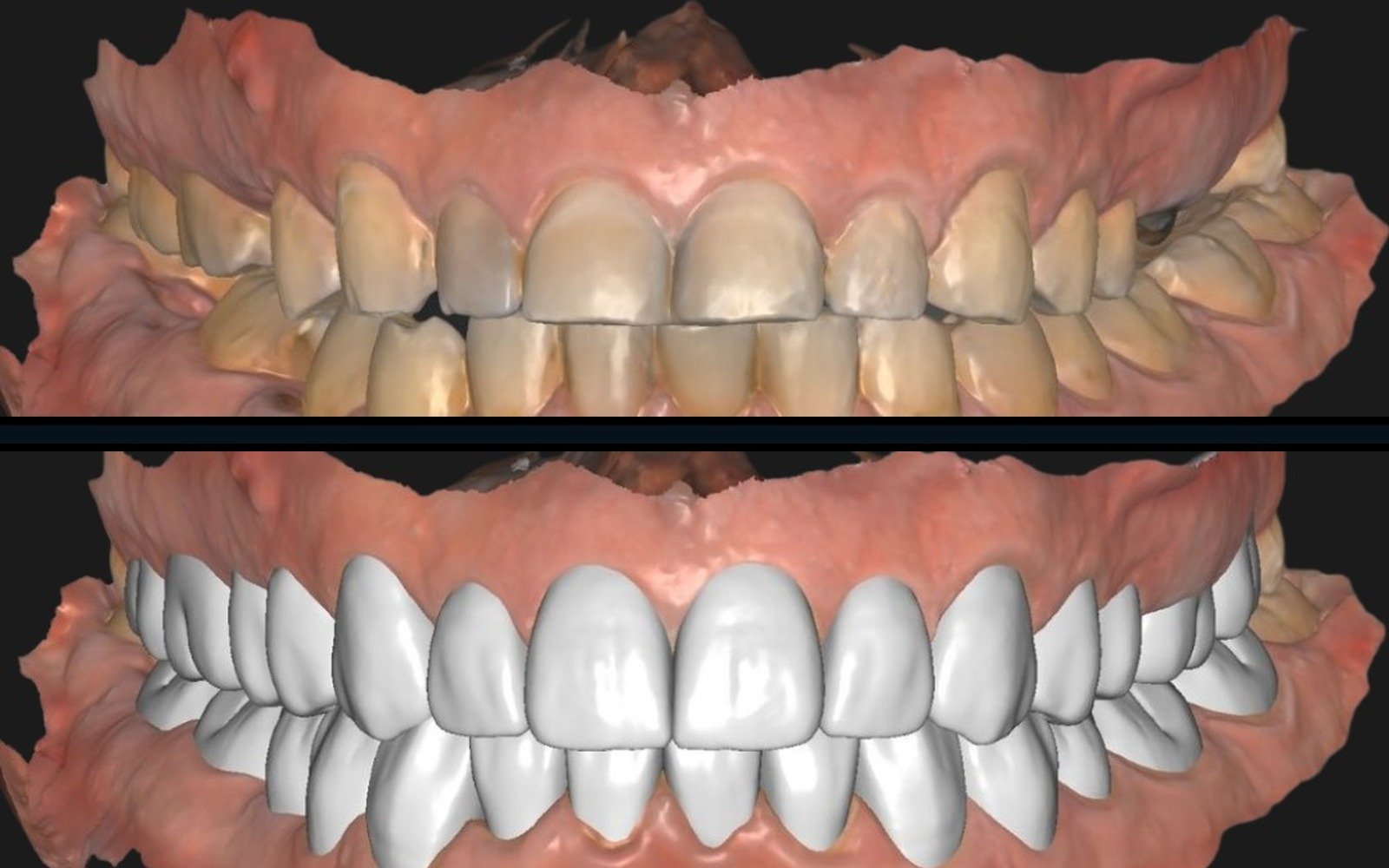
Both stages in one image
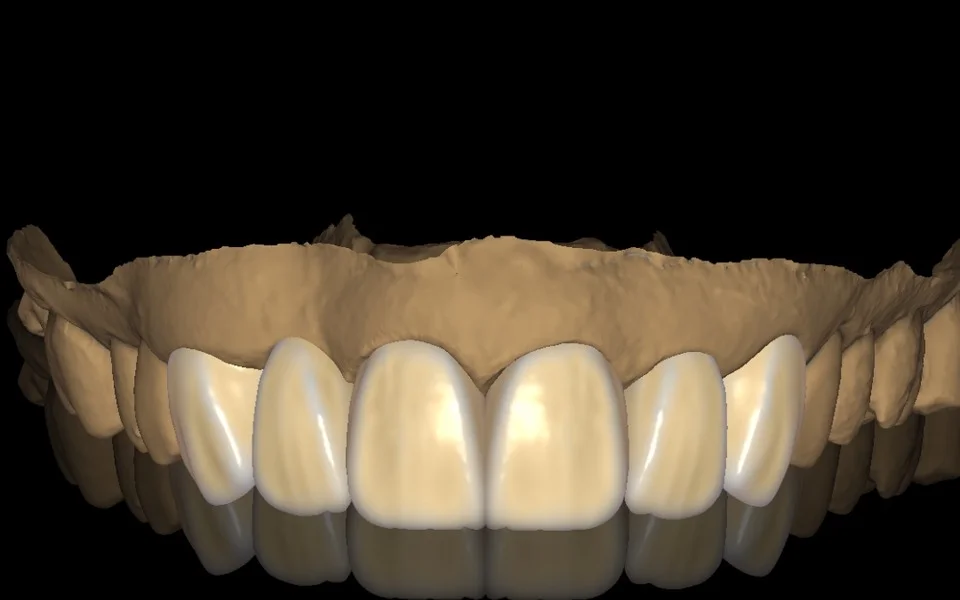
Veneers & Smile Design
Veneers, diagnostic wax-ups, mock-ups and facially guided esthetic planning.
What to send
- Upper and lower scans with a bite registration
- Smile and facial photographs for facially guided planning
- Shade, length and shape preferences
Implant Restorations
Screw-retained crowns, implant bridges and emergence profiles, designed with the implant library for your case.
Custom abutmentsWhat to send
- Scan-body scans and an opposing scan with a bite registration
- Implant system and library details
- Restoration type, material and screw-access preferences
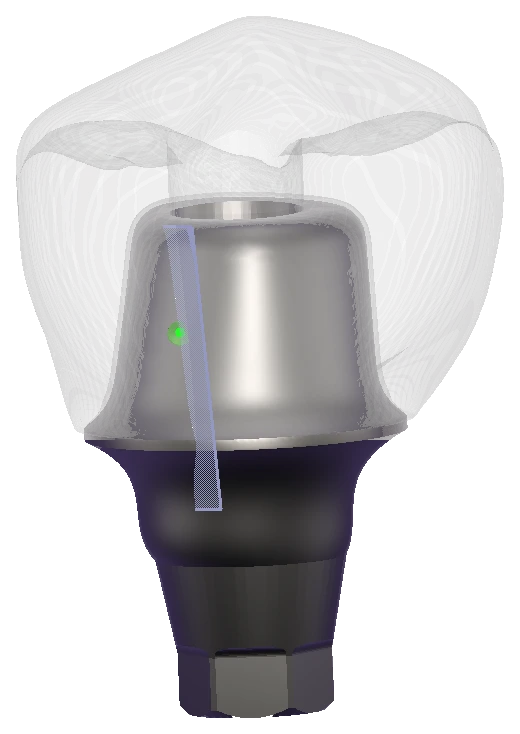
Custom Abutment Design
Custom abutments designed together with the final crown, with attention to emergence profile and margin position.
What to send
- Scan-body scans with the opposing arch and bite
- Implant system and library details
- Abutment material and margin preferences
Full-Arch & All-on-X
All-on-X prototypes and final prostheses, full-arch wax-ups, surgical guides and advanced prosthetic planning, with attention to the occlusal plane, emergence profiles and esthetic balance.
What to send
- Scan-body scans, the opposing arch and any existing prosthesis or wax-up
- Bite registration and facial photographs
- Implant system details and design preferences
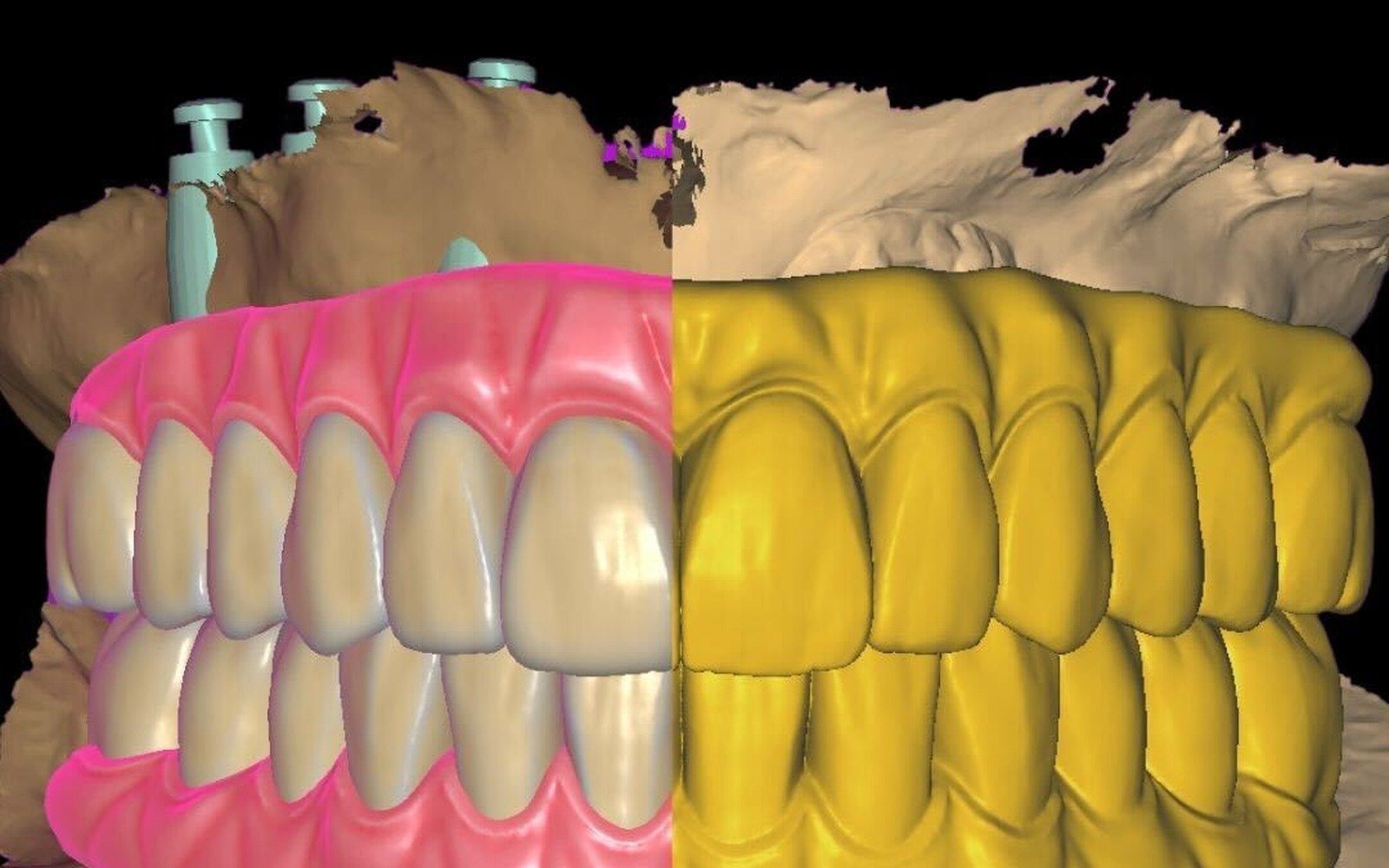
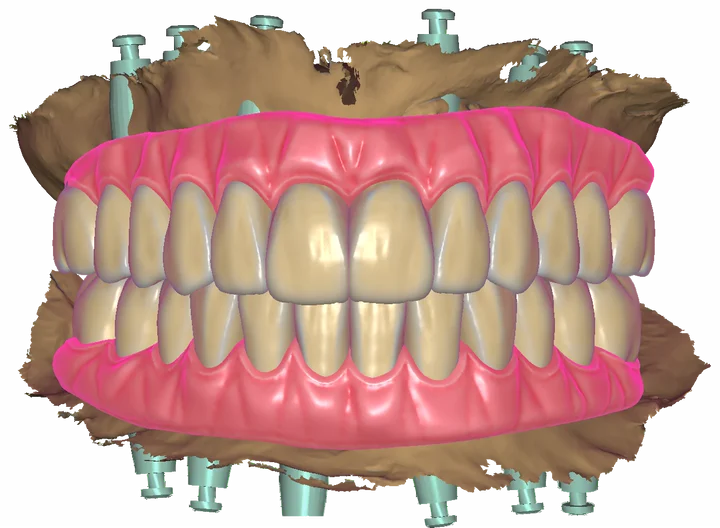
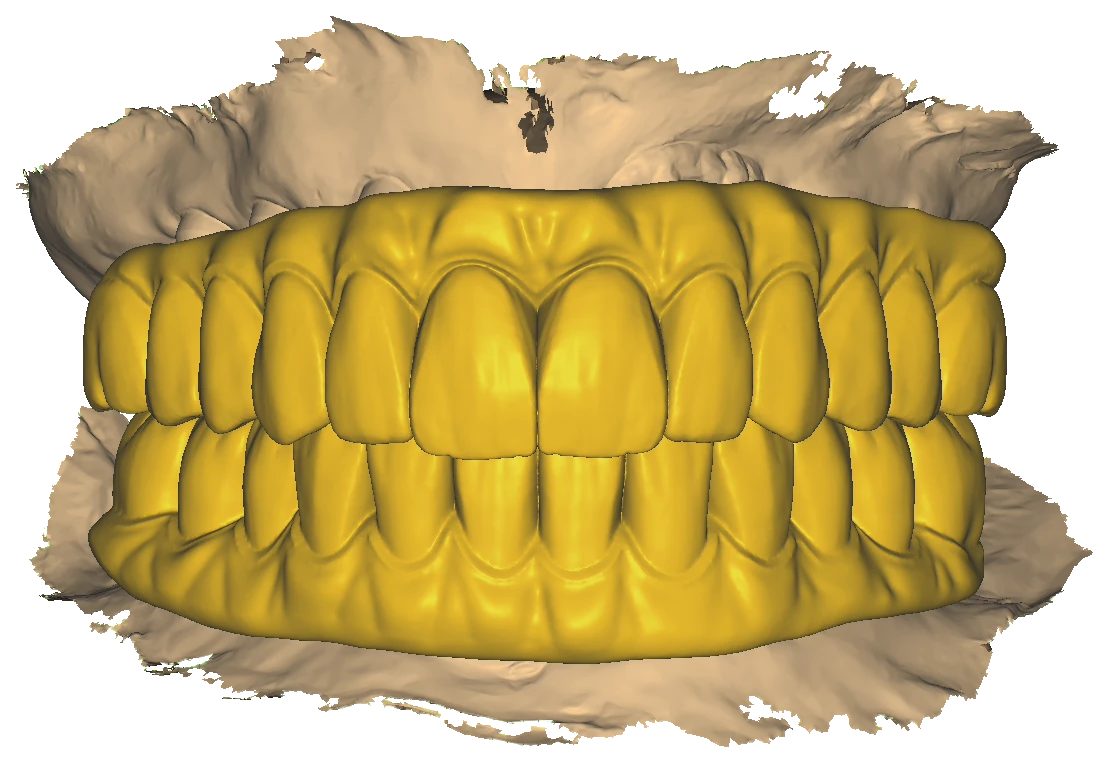
Same-day All-on-X support
CAD design for conversion and immediate-loading workflows. Redentive designs the conversion or provisional prosthesis and coordinates file timing with your surgical and restorative team.
Surgery, loading decisions and the treatment schedule remain with the clinical team; delivery timing is agreed for each case.
What to send
- Pre-operative scans and photographs
- Scan-body scans after placement
- The planned surgery and delivery timing
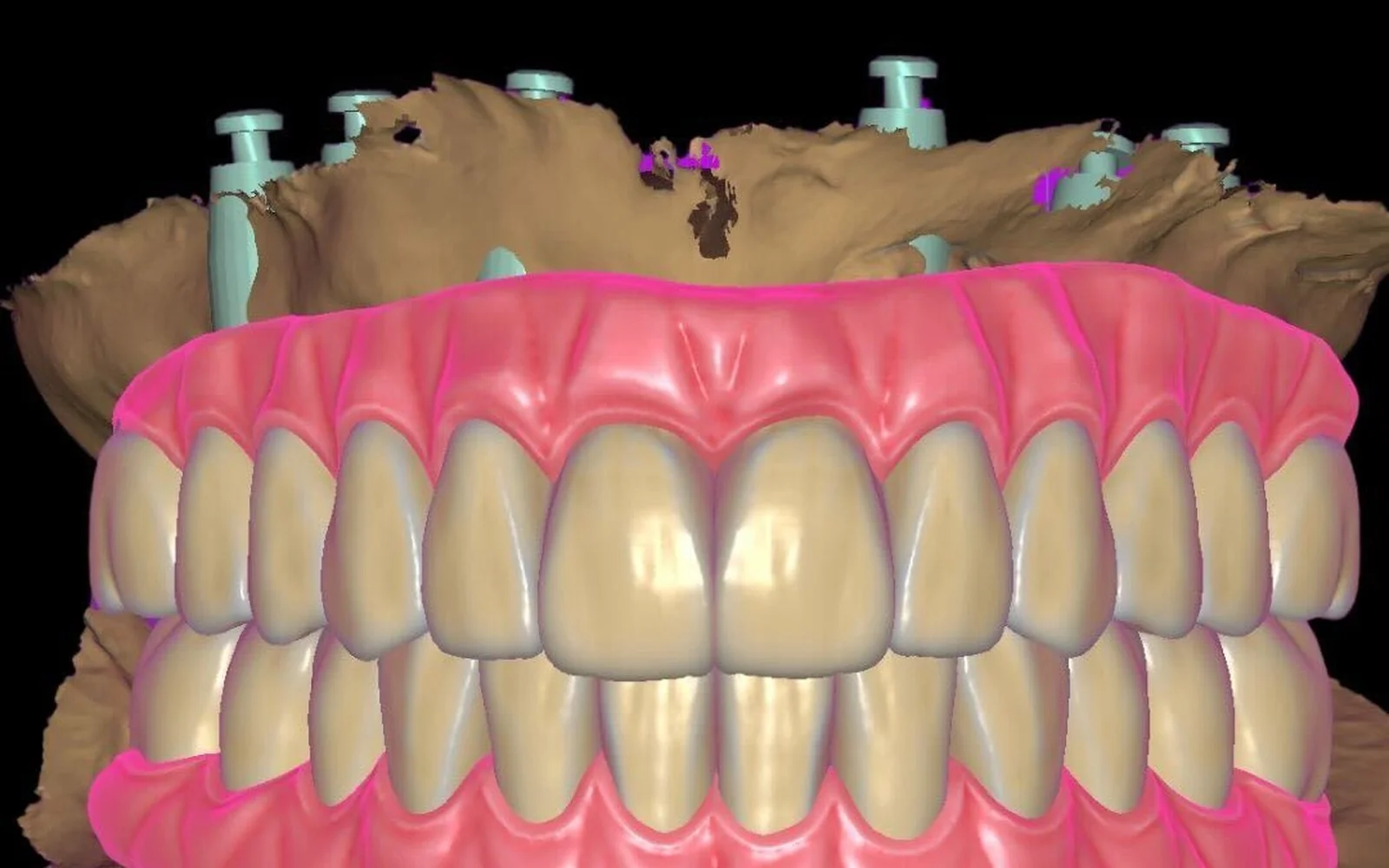
FP1 full-arch design
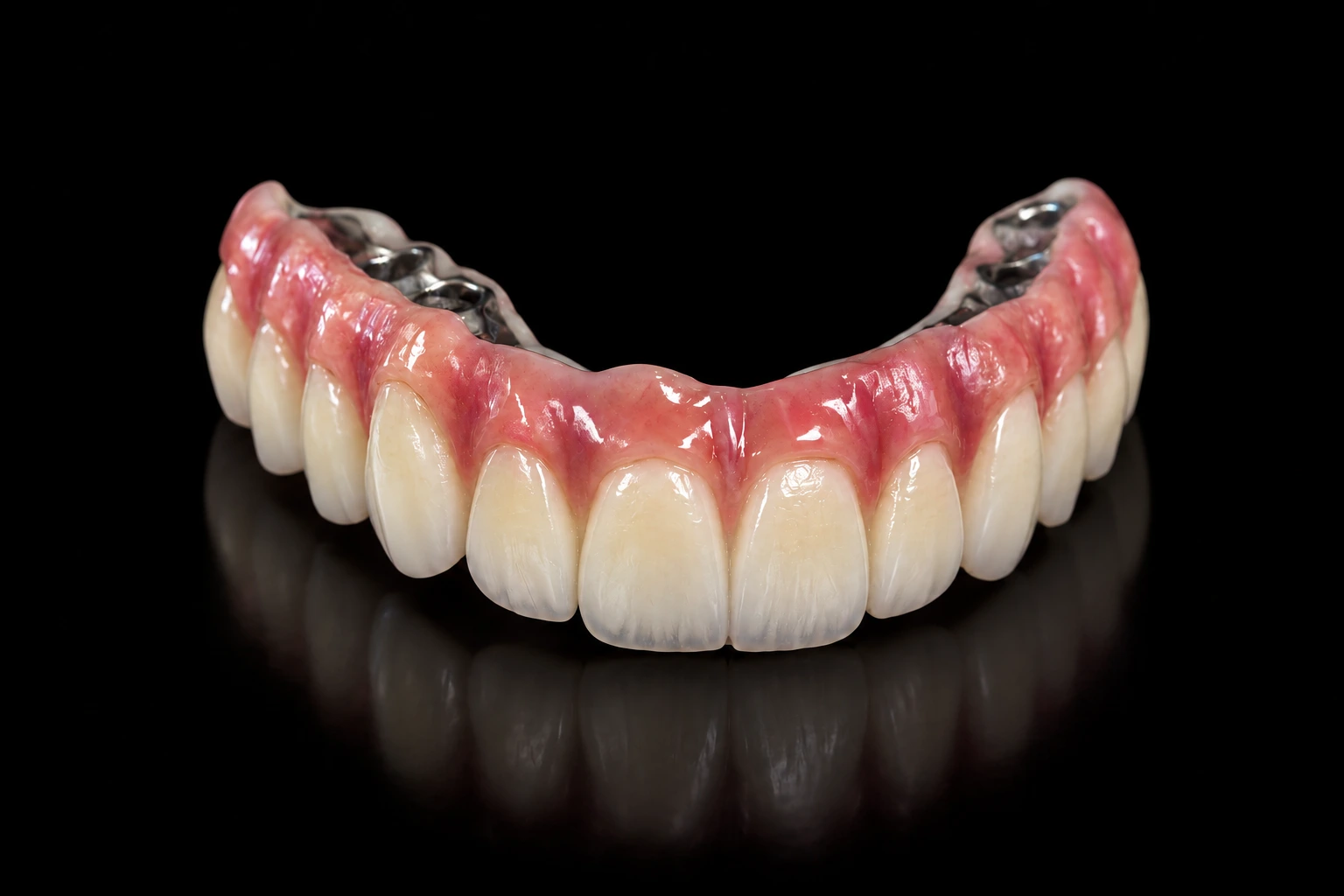
Fixed full-arch designs that restore the teeth without a gingival portion.
Titanium bar + zirconia suprastructure
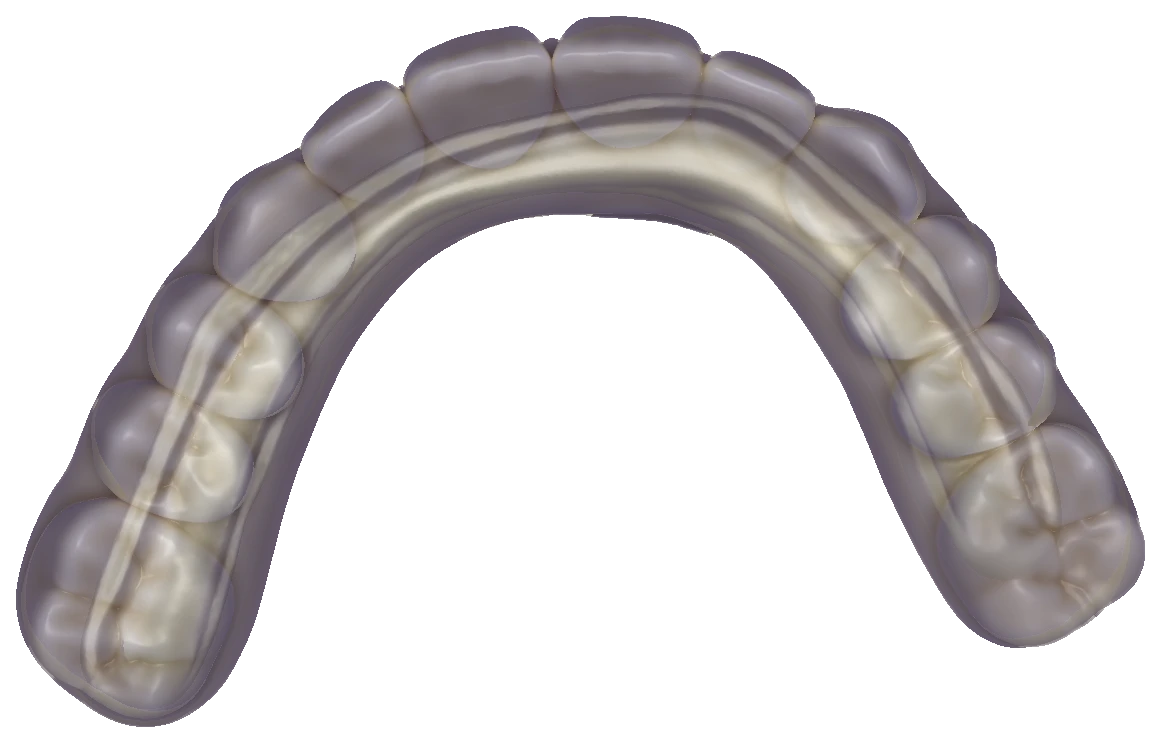
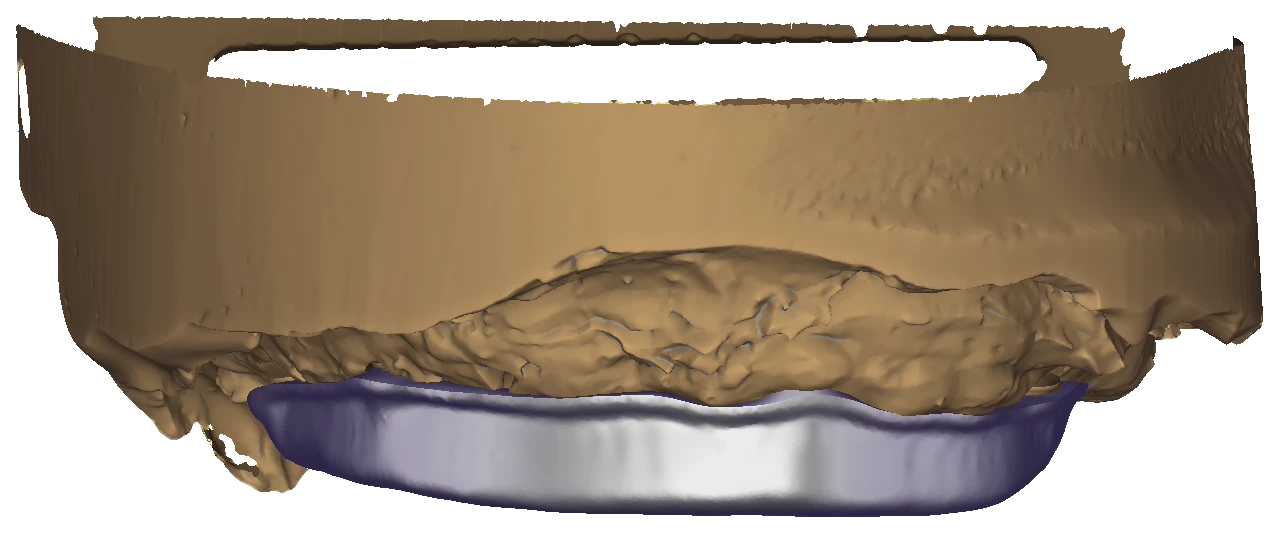
Bar-supported All-on-X designs in three layers. The teeth are set first; the bar is then cut back to sit inside the tooth outline, and its tissue side is shaped against the jaw scan.
The three layers
- Teeth: aesthetics and occlusion
- Bar: support under the teeth
- Screw channels: access to the implants
Example shown: a maxillary full arch on four implants, screw-retained.
Discuss a bar-supported case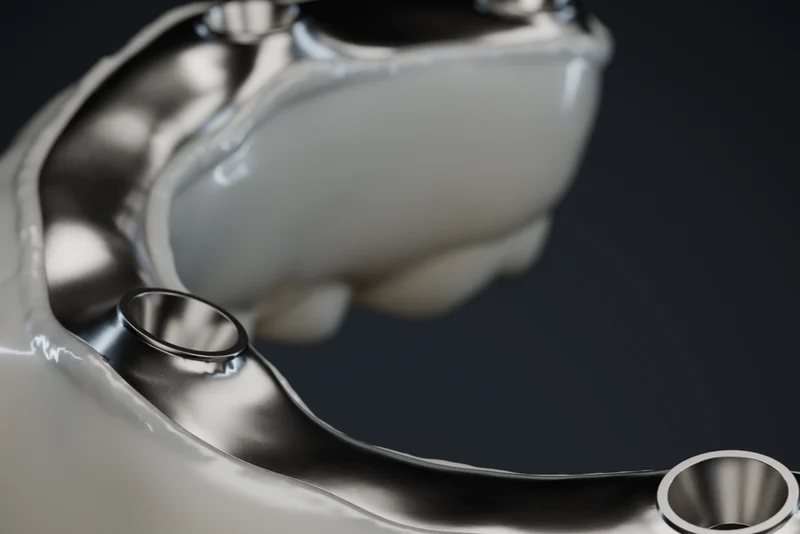
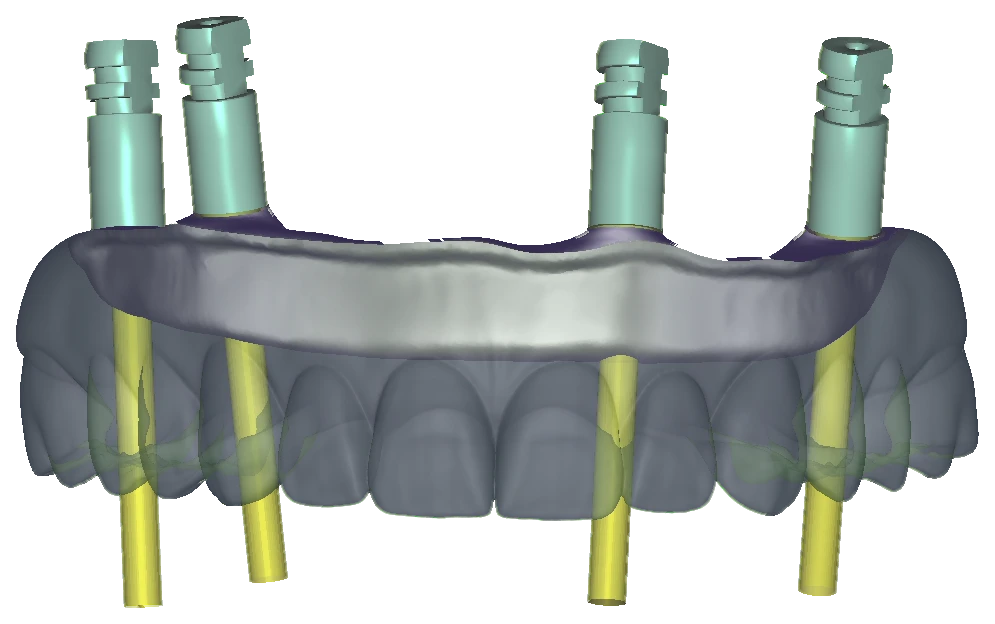
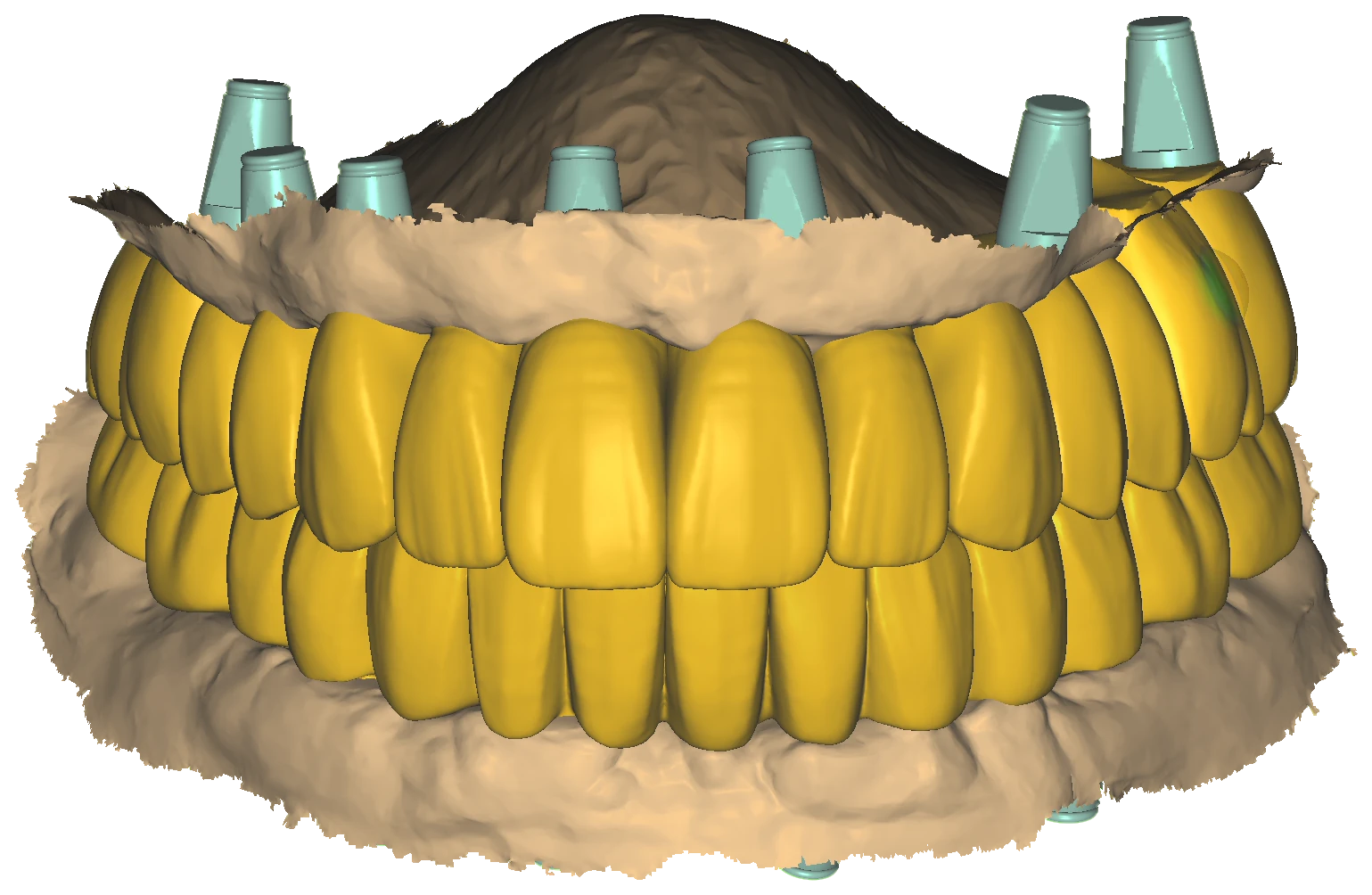
Implant bar & bridge design
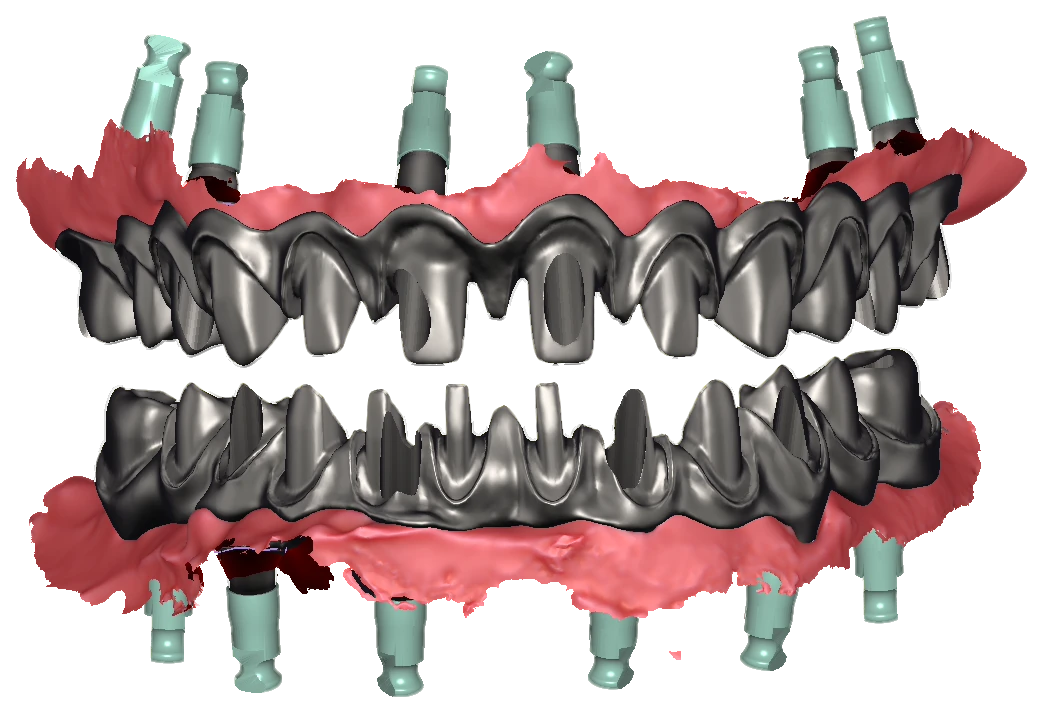
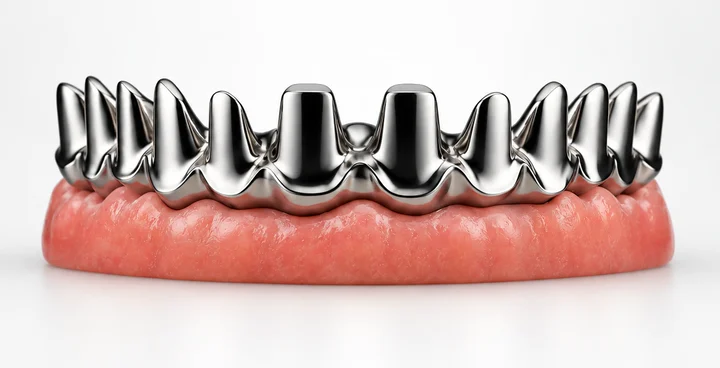
Bar and bridge frameworks designed on the implant positions, with the prosthesis built over them.
Two separate examples: a CAD framework design and a framework visualization.
How a case works
- Submit Send scans, prescription details, photos and preferences.
- Design Your case is designed around the restoration, material and workflow.
- Review Clinical, prosthetic and production details are checked.
- Deliver Receive final files prepared for your production process.
Questions, answered.
What does Redentive do?
Redentive designs dental restorations in CAD for laboratories and clinics: crowns and bridges, veneers and smile designs, implant restorations, custom abutments and full-arch / All-on-X work. You send the case and receive design files prepared for your own production.
Who is the service for?
Dental laboratories, clinics and CAD designers who want to outsource design work, whether it is one case or a regular monthly volume.
Do you work with laboratories and clinics in the United States?
Yes. Redentive works remotely with laboratories and clinics in the United States and in 25+ countries. Cases, files and communication are all handled online.
How do I send a case?
Submit a case through the form, message us on WhatsApp or book a call. It helps to include your scans, the prescription details, photographs and your preferences.
Which software are the designs made in?
Designs are made in exocad.
How is pricing set?
Pricing depends on the type of work and your monthly volume. Request pricing and we reply with a quote.
Do you also teach dental CAD design?
Yes. Redentive Academy offers 1:1 sessions, a private mentorship in five milestones and in-office training for teams, taught by Dr. Ahmed Nossair.